
How to capture & match any room sound (Reverb)
Make your audio sound like it was recorded in the same room. Automatically match room resonance and space between recording takes with this guide.

Why extract Reverb from real Audio?
Use Case 1: Film & Post Production
Professional movie and TV productions need consistent Reverb & Room Characteristics to make a scene feel realistic. This is especially important for dialogues where the room sound varies between takes.
The Goal:
- Match ADR to production audio
- Fix dialogue continuity
Use Case 2: Music Production
Reverb can make seperatly recorded tracks like they belong together. It can be helpful to match the room sound of one instrument and apply it to others.
The Goal:
- Match vocal space
- Recreate room sound (e.g. for band recordings)
What room sound extraction like
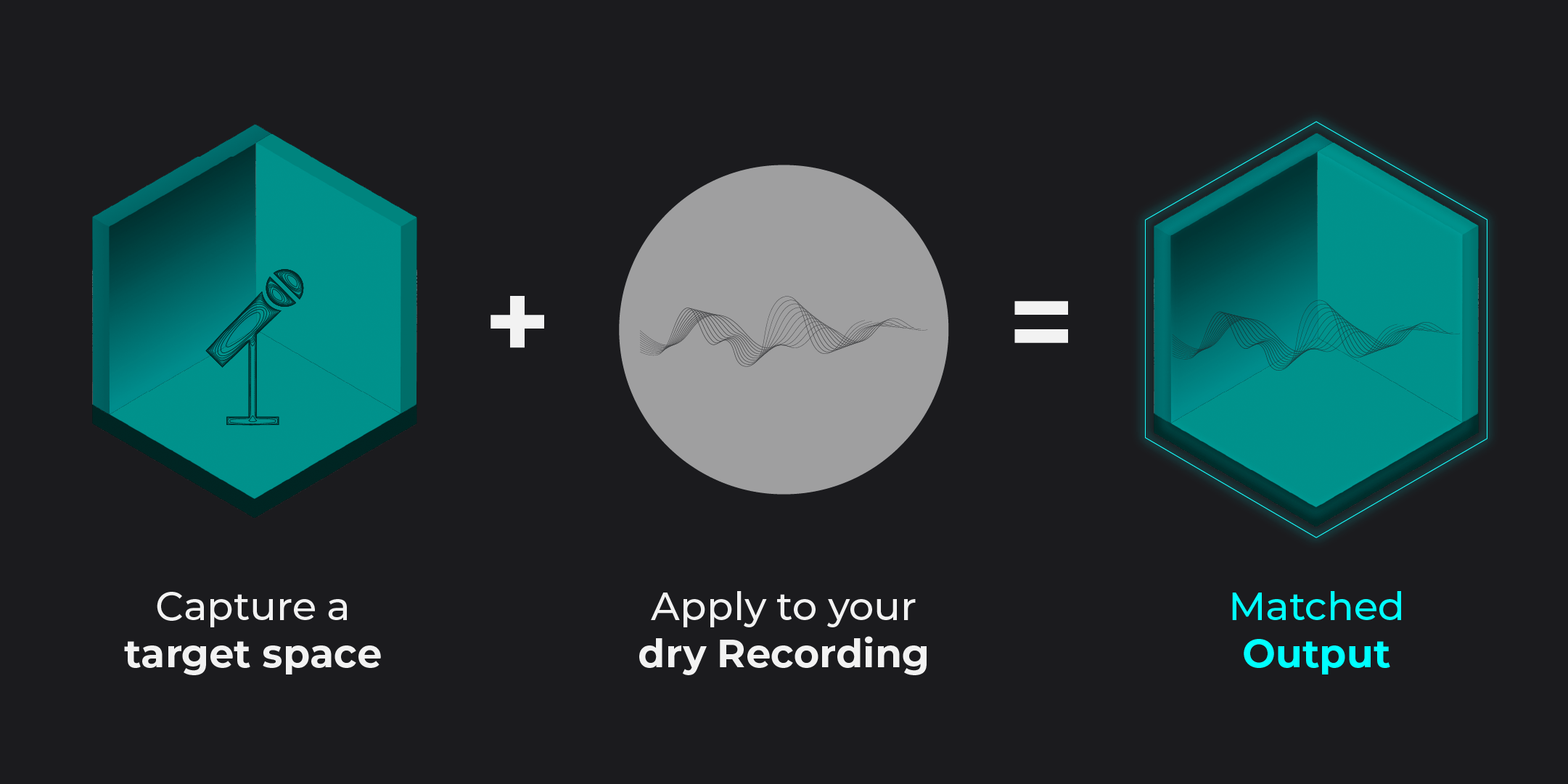
Reverb Matching basically works like this:
- Load reference audio
- Extract its room sound
- Apply the reverb to your track
The following examples were made with Chameleon. Listen to the difference:
01
Dialogue
Your reference (hallway)
Your dry Recording (Studio)
Chameleon Output
02
Foley
Your reference (underground)
Your dry Recording (Studio)
Chameleon Output
How to match any Room Sound
Matching room sound manually can be frustrating and time-consuming.
EQ and reverb adjustments alone rarely recreate the exact space of a recording — especially when dealing with different environments, microphones, or setups.
Accentize Chameleon takes a completely different approach.
Instead of guessing settings, Chameleon analyzes the acoustic fingerprint of any reference recording — including its spatial characteristics — and recreates it as a matching space for your audio.
Simply load a reference clip, let Chameleon extract the environment, and apply it to your target audio. Within seconds, separate recordings sound like they were captured in the same room.
Match Your Audio in Seconds — Not Hours
Chameleon
249.00 €
inc. VAT
Chameleon Surround
399.00 €
inc. VAT
FAQ
What if my reference audio is mono?
Chameleon can analyze mono signals to build basic reverb profiles.
Can you match reverb for more than two channels?
Yes! Chameleon Surround supports Reverb in Mono, Stereo & Multi-channel (LCR, 5.1, 7.1, 9.1.6, etc.). You can even analyze mono signals to build advanced reverb profiles with 3D room estimation for surround setups
Can I recreate a room sound by hand?
Yes, you can. But it requires some time and experience. This Guide explains the basics of capturing room reverbation.