
Description


Emmy-winning Speech Restoration
dxRevive
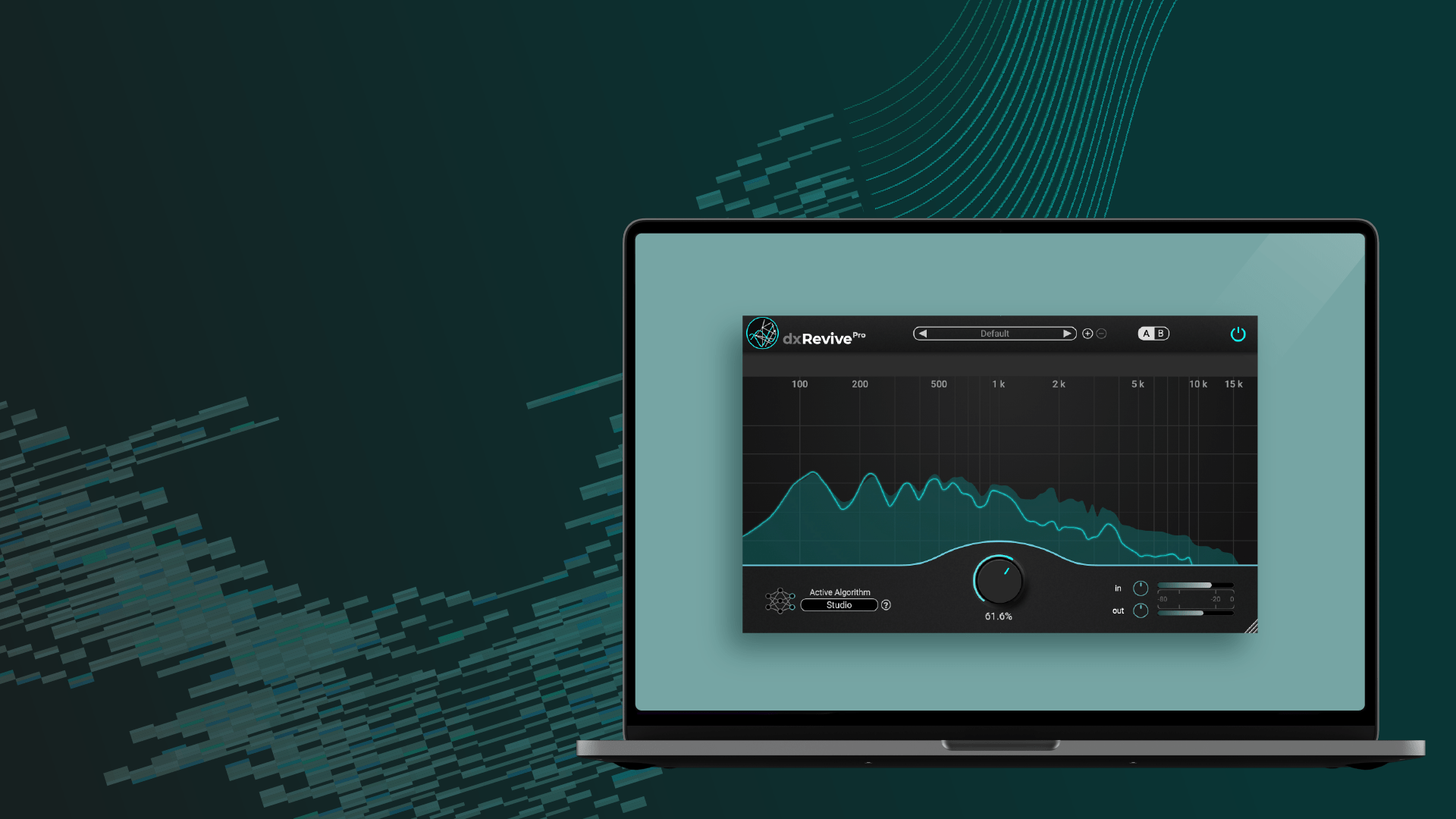
DxRevive is a versatile speech restoration plugin, dedicated to enriching the quality of various dialogue recordings. Unlike many other restoration plugins, dxRevive doesn’t merely filter the signal. It goes beyond, identifying and reintegrating missing frequency components, yielding studio-like recordings from diverse source materials.
”DxRevive Pro is scary good at what it does
Michael Hertlein - Dialogue EditorMasters Of The Air, Blade Runner 2049, The Flash
Download now
7 days free trial included
Login
Register
Download now
7 days free trial included
Downloads are not available for mobile devices. Please open this page on your computer.
Turn the knob to hear how dxRevive brings dialogue back to life. Hold the indicator and move your mouse up and down to turn the knob.
Instant Speech Clarity
Advanced Restoration Technology
dxRevive
-
100% local processing
-
Multi Speaker/Language/Accent processing
-
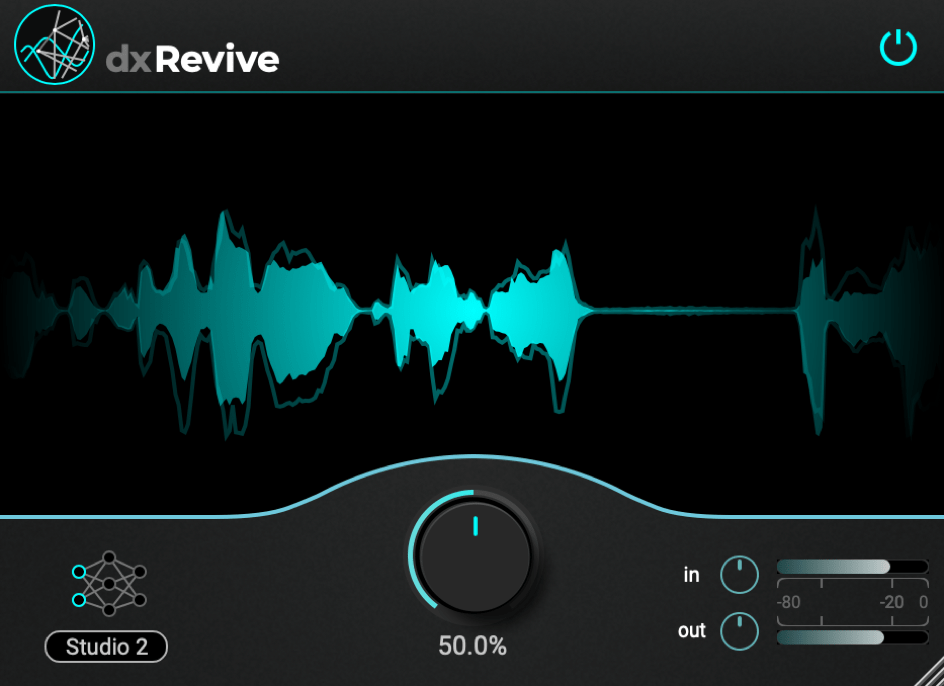
Efficient single-knob workflow
-
Studio sound algorithm
-
Serial key licensed
dxRevive Pro
-
100% local processing
-
Multi Speaker/Language/Accent processing
-
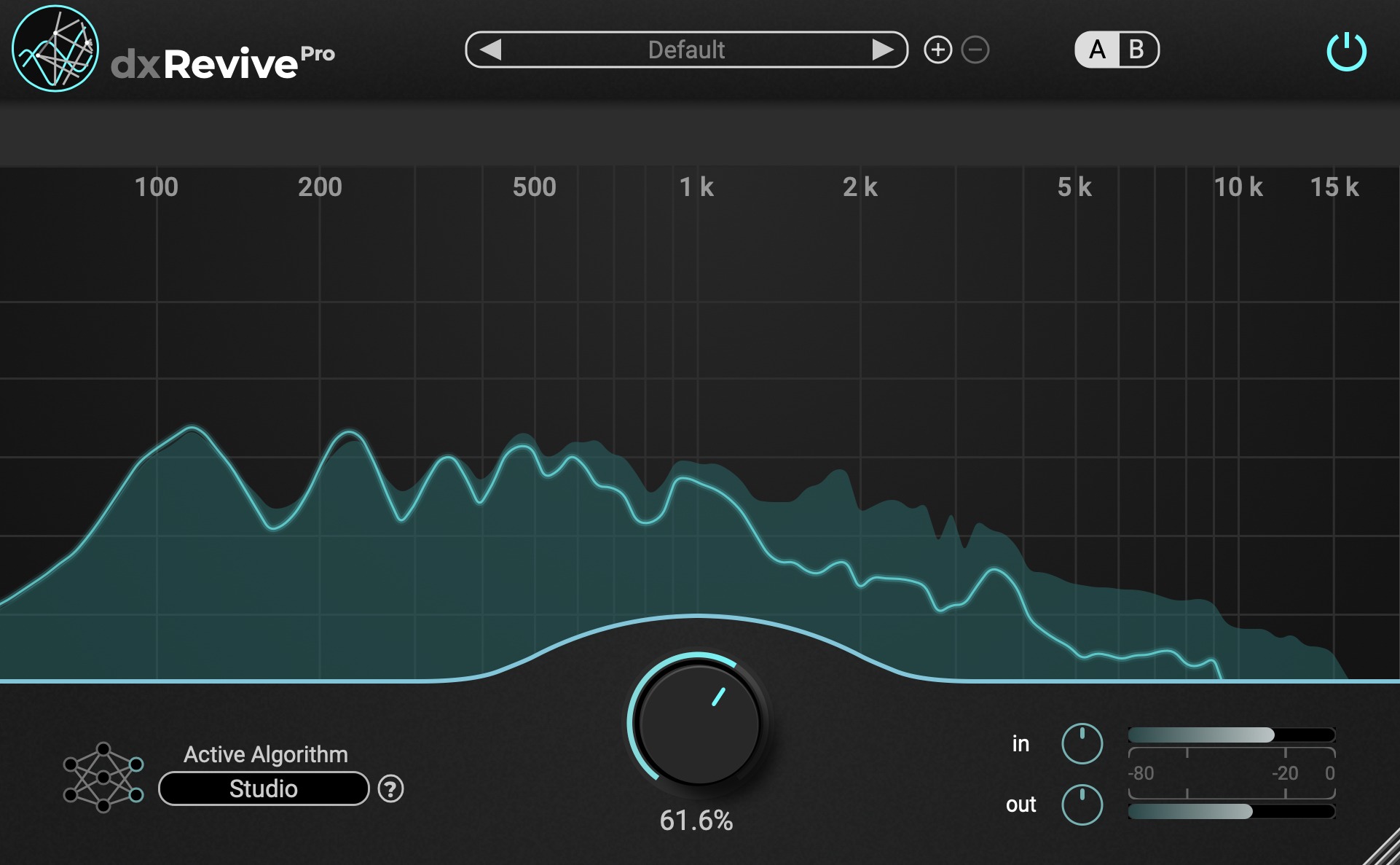
Efficient single-knob workflow
-
Studio sound, Natural sound, Retain character, EQ Restore algorithm
-
Spectral Focus mode to fine-tune for different frequencies
-
Presets for “Restore Phone”, “Restore Low-End” …
-
Quick A–B comparison
-
iLok licensed
dxRevive
inc. VAT
dxRevive Pro
inc. VAT
Complete Pro
inc. VAT
Where to use
Compatible Hosts
This plugin is made for most DAWs and has been tested carefully.
It may also work with other plugin hosts. We recommend using the free trial to ensure everything works as expected.
Digital Audio Workstations (DAW)
- Avid Pro Tools
- Steinberg Cubase
- Steinberg Nuendo
- Reaper
- Ableton Live
- Logic Pro
Video Software
- Adobe Premiere
- Final Cut
- DaVinci Resolve
Specifications
dxRevive is designed for professional audio production and post-processing workflows. Due to the local execution of advanced neural network algorithms, higher CPU usage is expected. For best performance and efficiency, Apple Silicon–based systems are recommended.
Audio Channels
- Mono
- Stereo
Formats
Sample Rates
Change Log
Version 1.2.8
10th July 2025
dxRevive Pro 1.2.8
- Fixed crash in Steinberg hosts when switching algorithms
- Fixed silence at beginning of ProTools AudioSuite renders after switching to a new algorithm
MAC:
WIN:
Version 1.2.7
21th May 2025
dxRevive Pro 1.2.7
- Fixed occasional clicking noise issue when switching algorithms to Studio3 or Natural2
MAC:
WIN:
Version 1.2.6
12th December 2024
dxRevive Pro 1.2.6
- Bugfix for algorithm switching
MAC:
WIN:
Version 1.2.5
18th November 2024
dxRevive Pro 1.2.5
- Bugfix for algorithm switching which occasionally could lead to a crash
MAC:
WIN:
Version 1.2.4
29th October 2024
dxRevive Pro 1.2.4
- Improved efficiency in algorithm switching
- New algorithm parameter for automation
- Bugfix: Resolved synthetic noise issue in ProTools when used as an insert after extended idling
MAC:
WIN:
Version 1.2.2
5th July 2024
dxRevive PRO:
MAC:
WIN:
Bugfix:
- hitting spacebar now triggers playback in DAW and is not blocked by plugin window
Improvements:
- single solo: soloing a band will automatically unsolo other bands
- cmd/ctrl click: set bandmix to 0
- option/alt click or double click: sets bandmix to main mix
Version 1.2.1
3rd July 2024
dxRevive PRO:
MAC:
WIN:
Bugfix for occasional silence after switching to new algorithms.
Version 1.2.0
3rd July 2024
dxRevive PRO:
MAC:
WIN:
Introduces three new algorithms: Studio3, Natural2, EQ Restore
Version 1.1.1
6th March 2024
dxRevive PRO:
MAC:
WIN:
Resolved issue of buzzing artifacts sometimes occurring in silent regions with latest plugin update
Version 1.1.0
14th Feb 2024
dxRevive:
MAC:
WIN:
dxRevive PRO:
MAC:
WIN:
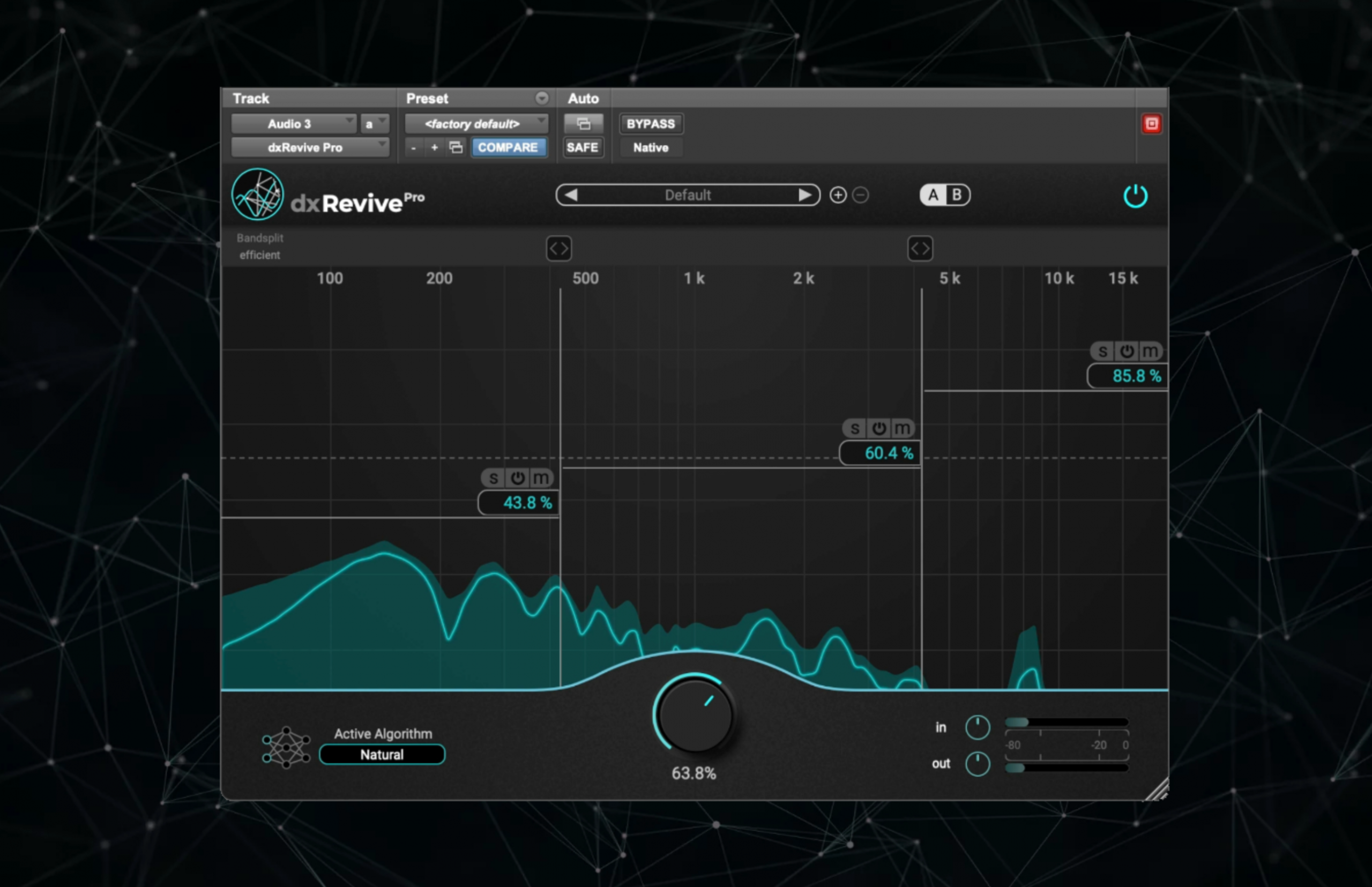
Changes: The Pro version now includes a new algorithm selector window, providing clearer and easier-to-access information about different algorithms. Additionally, dxRevivePro now features individual Bypass buttons for each frequency band, facilitating effortless comparison of the changes made for each band.
Two new algorithms: Studio2 (dxRevive and dxRevivePRO), Natural (only dxRevivePRO)
Main improvements of the new algorithms:
- Fixed potential clicks and pops at the beginning and ending of processed audio snippets.
- Better handling of higher pitched voices, addressing potential robotic artifacts that could occur on some voices.
- More accurate processing of higher frequency components.
- More efficient processing and utilization of CPU
Version 1.0.9
dxRevive PRO
MAC:
WIN:
Changes:
- Added “linear phase” mode for the band split feature: When at least one band split is active, a selector now appears in the top left corner. The “Efficient” mode maintains the previous version’s functionality, while the “Linear Phase” mode ensures consistent phase relationships across all frequencies in the signal.
- Cubase/Nuendo DOP bugfixes: Addressed and resolved issues related to compatibility with Cubase and Nuendo’s Direct Offline Processing.
- Bugfix for Pro Tools compatibility: Fixed a previous version issue where, when used as an insert, a CPU spike shortly after a clip caused a Pro Tools error.
- Visuals Bugfix: Corrected an anomaly where the input meter and spectral view occasionally displayed a static clipping signal incorrectly. This issue has now been rectified.
- Additional Minor Improvements & Bugfixes: Various small-scale enhancements and bug fixes have been implemented to further refine the performance and user experience.
Version 1.0.7
Bugfix: no more CPU spike shortly after clip when plugin is used as insert
dxRevivePro:
MAC:
WIN:
Version 1.0.6
Fixed algorithm loading for dxRevivePro on MacOS
dxRevivePro:
MAC:
Version 1.0.0
Release version
dxRevive:
MAC:
WIN:
dxRevivePro:
MAC:
WIN: