
SpectralBalance

199.00 

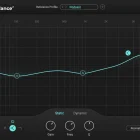
SpectralBalance is an intelligent matching EQ plugin designed specifically for dialogue recordings. It analyzes the spectral characteristics of a reference and automatically shapes the EQ of the input signal to match, making it ideal for ADR, voice replacement, and tonal consistency across takes.

Whether working in real time or in post-production, SpectralBalance adapts its EQ curve to correct spectral imbalances and unify the tone of spoken content. With its efficient, one-click workflow and support for custom reference profiles, it’s a powerful time-saving tool for audio professionals dealing with diverse dialogue sources.

SKU: SpectralBalance Category:

Description

SpectralBalance – automatically equalize speech

No more tweaking: instantly match & balance dialogue recordings
Stop wasting time guessing EQ settings

SpectralBalance

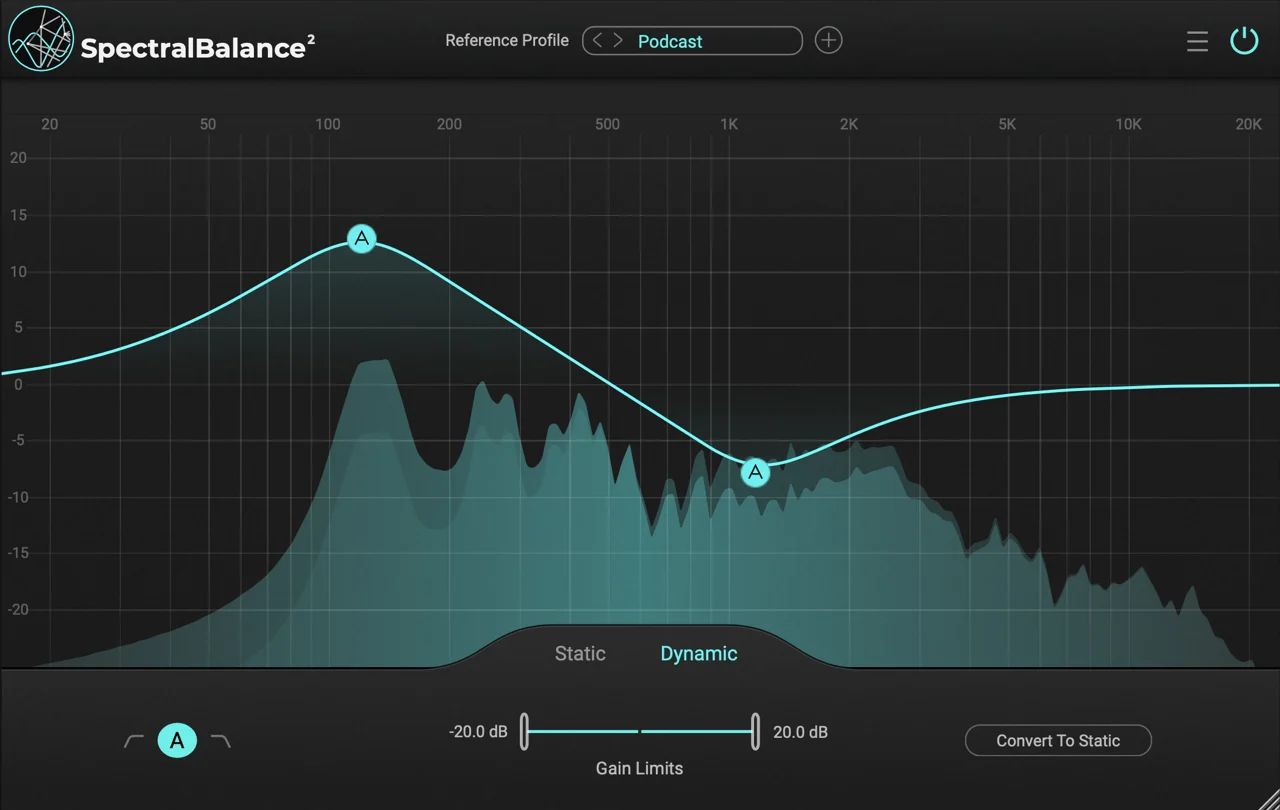
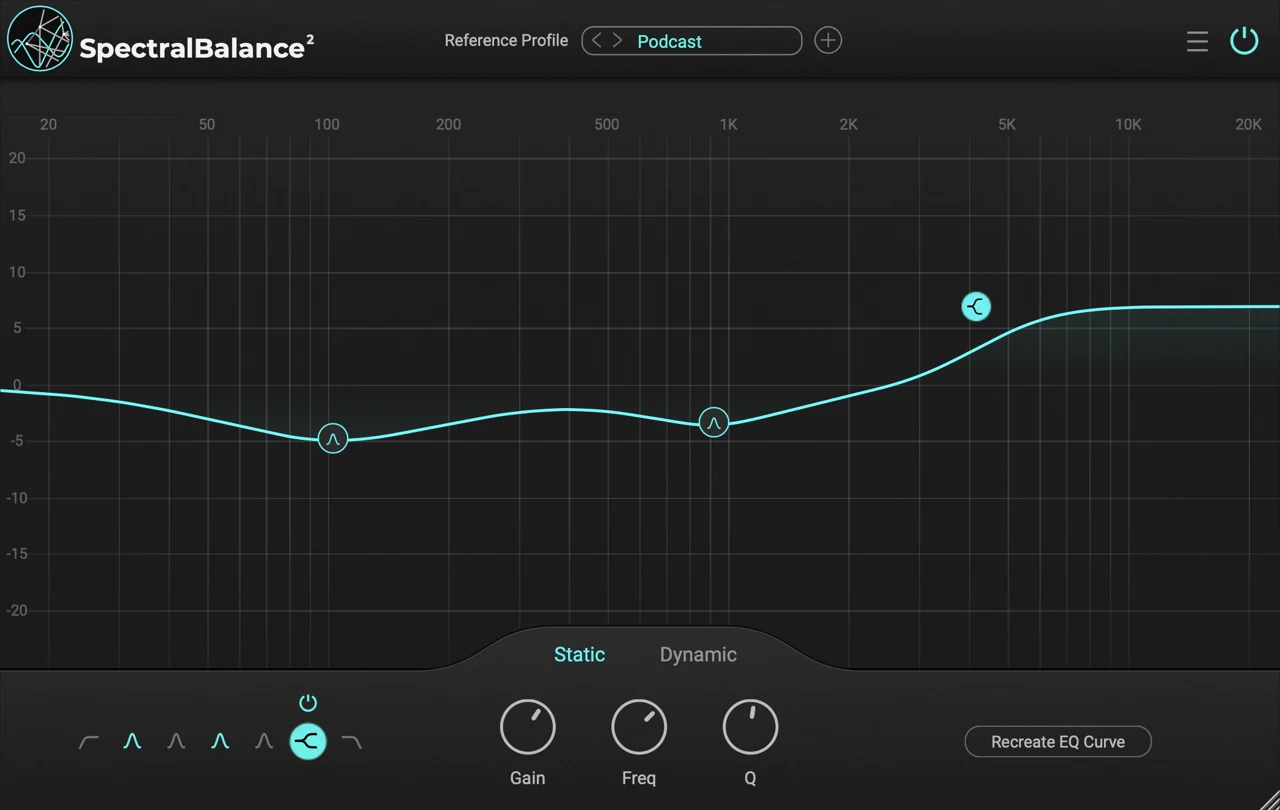
SpectralBalance is an intelligent matching EQ plugin for dialogue recordings. It analyzes a reference’s spectral characteristics and automatically shapes the EQ of the input signal to match – ideal for ADR, voice replacement & tonal consistency across takes.

Instantly balanced dialogue

Reference-based EQ matching

It does a great job of bringing the various voices in. Fixing boxiness, proximity issues and cut the need to eq each line. It works!

Tim DolbearEclectica Studios

Download now

7 days free trial included

Login

Register

A link to set a new password will be sent to your email address.

We use your personal data to provide the best possible user experience on this website, to manage access to your account, and for other purposes described in our privacy policy.

Download now

7 days free trial included

Downloads are not available for mobile devices. Please open this page on your computer.

A Smarter Way to EQ Dialogue

Time Saver

SPEED UP YOUR DIALOGUE EQ WORKFLOW

SpectralBalance drastically reduces the time spent manually EQing dialogue recordings. By automatically analyzing and correcting spectral imbalances, it delivers clean, balanced speech in just seconds. Perfect for professionals working with large volumes of dialogue takes or tight post-production schedules.

Dynamic Mode

REAL-TIME, AUTOMATED EQ MATCHING

Dynamic Mode automatically adapts the EQ curve in real time — continuously analyzing your dialogue and making rapid spectral adjustments, over 50 times per second. It’s ideal for live recordings, unpredictable acoustic environments, or sessions with multiple speakers, where fast, hands-free correction is essential. No manual setup required. Just press play and let the plugin handle the rest.

Custom EQ References

MATCH YOUR AUDIO TO A TARGET SOUND

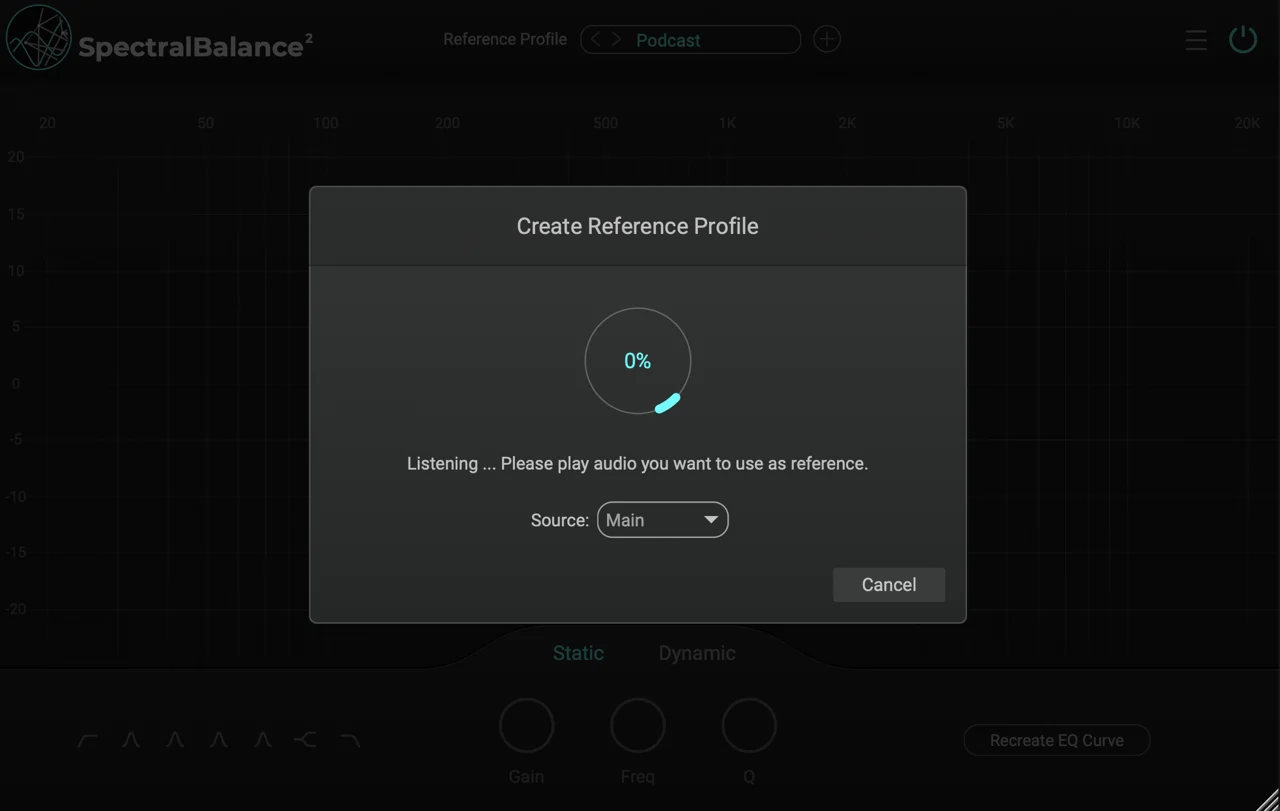
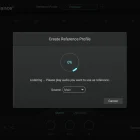
Use SpectralBalance to learn the spectral signature of any reference audio — then match your raw dialogue to that profile with a single click. This makes it the perfect tool for ADR matching, other voice replacements, or maintaining tonal consistency across different recording environments.

Efficient Processing

POWERFUL, LIGHTWEIGHT PROCESSING

SpectralBalance uses highly optimized neural network models to deliver advanced EQ matching with minimal CPU usage. Designed for performance, you can run multiple instances in parallel on standard hardware — whether you’re editing dialogue, mixing podcasts, or working on full-length productions.

SpectralBalance

199.00 

inc. VAT
  • SpectralBalance License

199.00 Add to cart

iLok license
(free iLok account required)

Complete Pro

Original price was: 1146.00 €.Current price is: 916.80 €.

inc. VAT

Original price was: 1146.00 €.Current price is: 916.80 €.Add to cart

iLok license
(free iLok account required)
Where to use

Compatible Hosts

This plugin is made for most DAWs and has been tested carefully.

It may also work with other plugin hosts. We recommend using the free trial to ensure everything works as expected.

Digital Audio Workstations (DAW)
  • Avid Pro Tools
  • Steinberg Cubase
  • Reaper
  • Ableton Live
  • Logic Pro
Video Software
  • Adobe Premiere
  • Final Cut
  • DaVinci Resolve

Specifications

Audio Channels
  • Mono
  • Stereo
Formats
  • VST3
  • AU
  • AAX
Sample Rates
  • 44.1kHz
  • 48kHz
  • 88.2khz
  • 96kHz
  • 192kHz

Manuals

Download PDF

Please log in to see the version history.